
Create and manage MCP servers
- Where can I find my MCP servers?
- Create an MCP server
- Start and stop an MCP server
- Delete an MCP server
- MCP server states
Where can I find my MCP servers? #
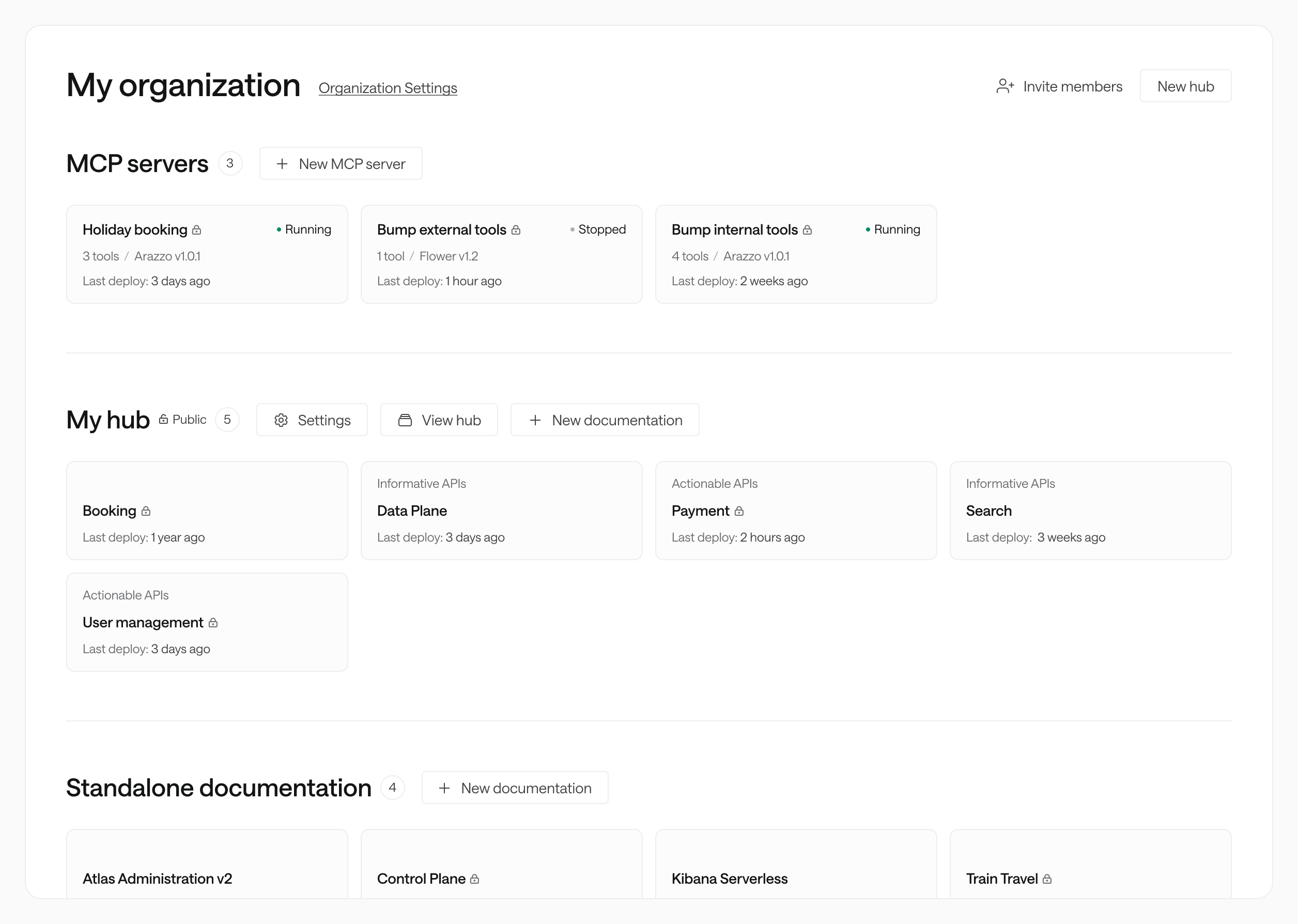
Your MCP servers are listed in your dashboard, alongside your APIs and hubs. If you don’t have any MCP servers, the dedicated section will be at the bottom of your dashboard, below your API docs.
Create an MCP server #
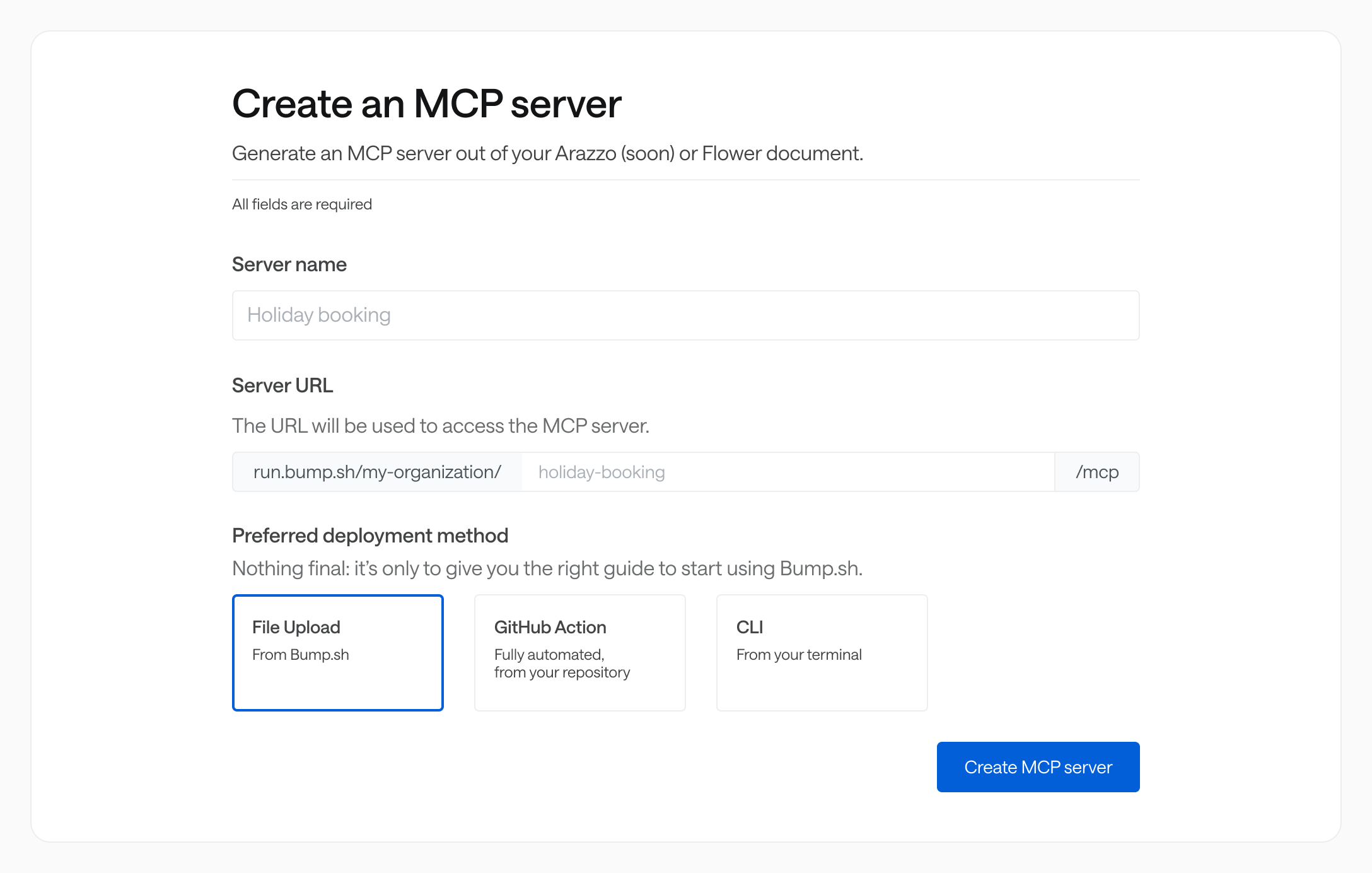
To create a new MCP server, go to your dashboard and click on the “New MCP server” button. A few essential information are required.
| Server name | The name of the MCP server as it will appear to those who have access to it. |
| Server URL | The server URL allows you to define the URL of your MCP server, in the format https://run.bump.sh/your_organization_slug/your_server_slug/mcp. If empty, the path will be generated based on the server name. |
| Deployment method | Allows you to choose the deployment type that best suits your workflow. You can modify it at any time. |
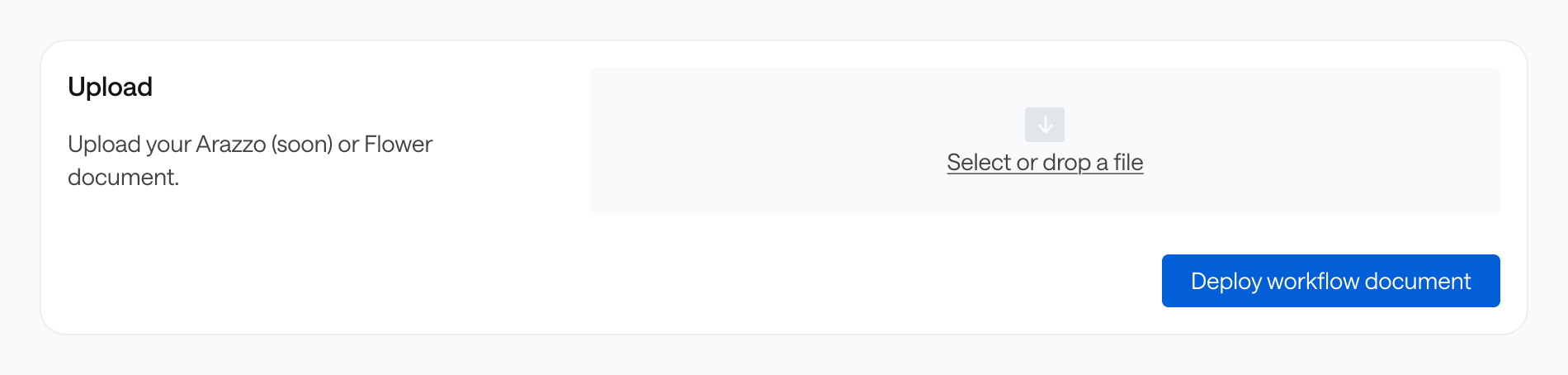
The next step is to deploy a workflow document so that the MCP server knows which workflows to expose and process. The web upload is great to quickly test your MCP server, but we have ways to integrate in your development workflow, detailed in our next section named Deploy workflows.
Start and stop an MCP server #
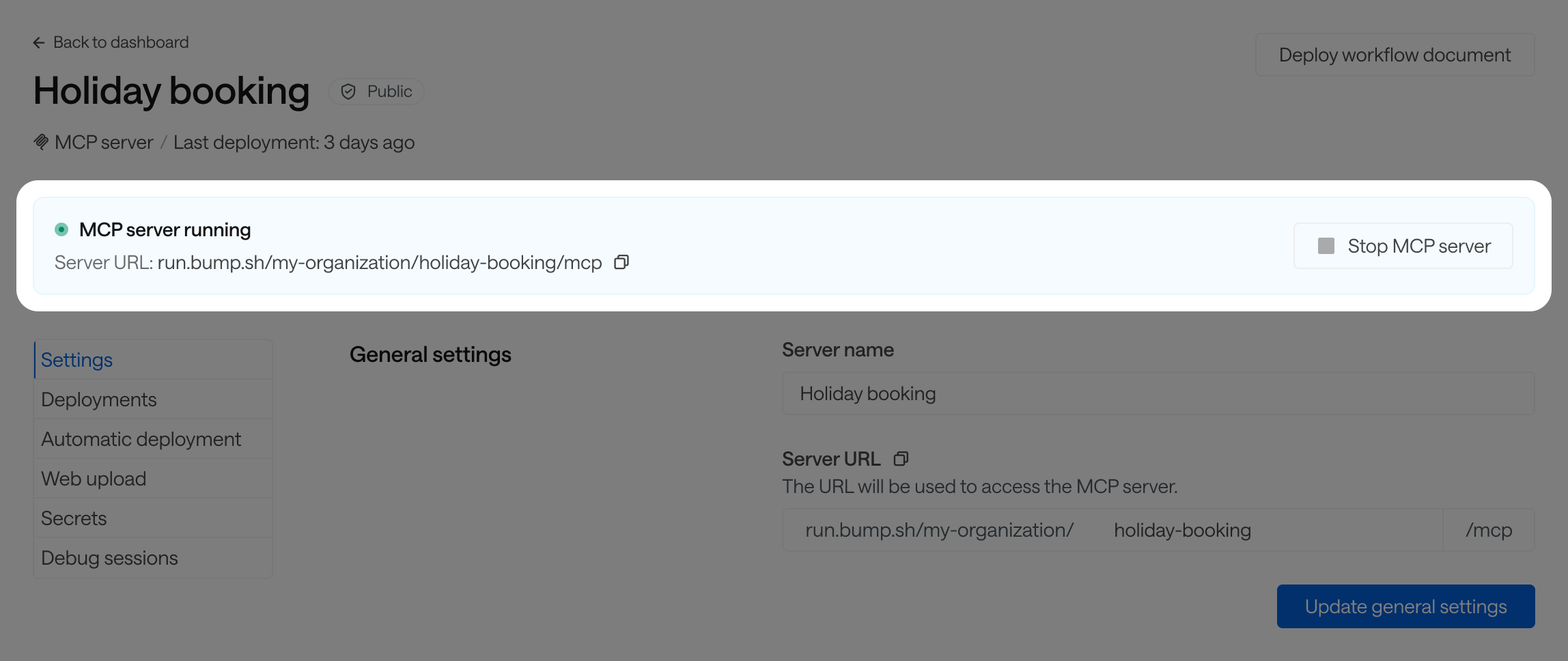
You can start and stop your MCP server in your server settings. Note that the MCP server will start automatically following your first deployment.
Delete an MCP server #
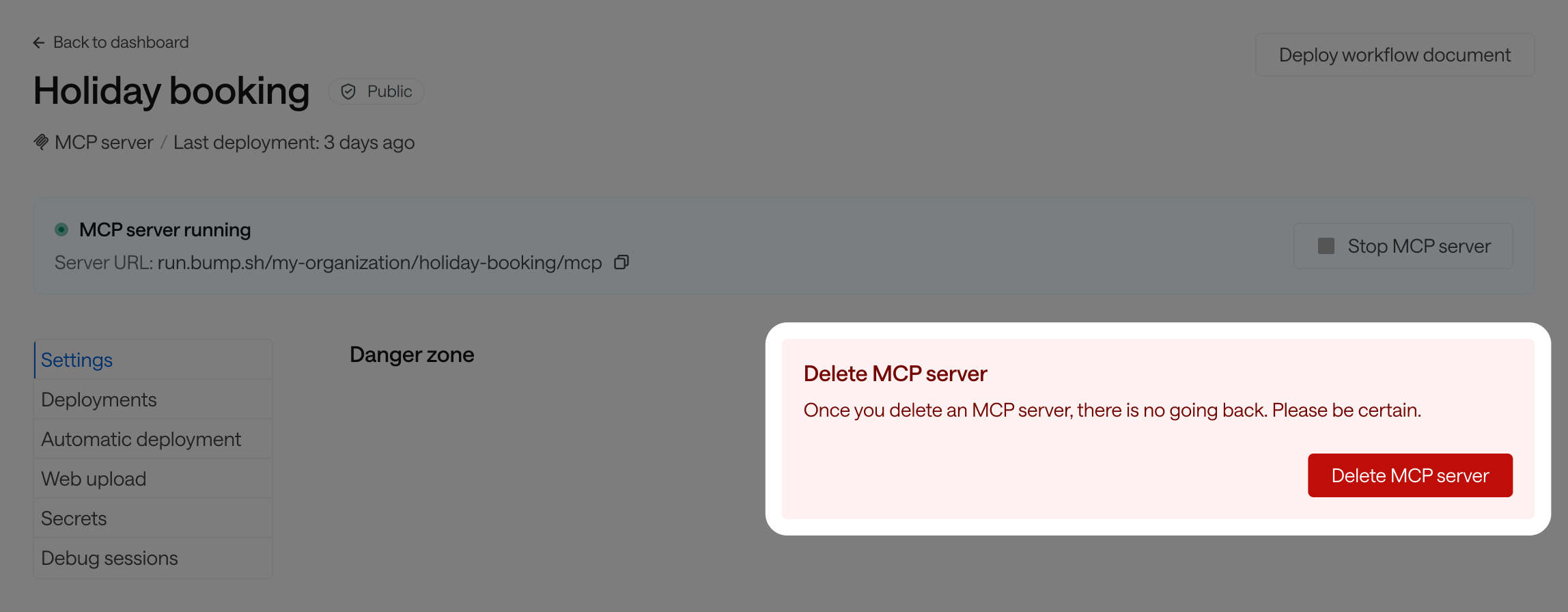
To delete your MCP server, go to your server settings.
All deletions are final. The server won’t be available anymore, and we cannot restore or recover any portion of the data once it’s deleted.
MCP server states #
You can check the state of your MCP server at any time in your dashboard or in your MCP server settings, next to its name.
| State | Description |
| ⚪️ Stopped | Your MCP server is offline and doesn’t process any requests. |
| 🟢 Running | Your MCP server is live and is processing requests based on your last workflow deployment. |
| 🔴 Errored | An error on our infrastructure prevents your MCP server from running. We are working on it. |