
Secrets
Secrets let you store sensitive values, such as API keys or tokens, separately from your workflow documents. They are injected at runtime so that your MCP server can authenticate with external APIs without exposing credentials in plain text.
Creating a secret #
Go to the Secrets section of your MCP server settings, then enter a name and a value.
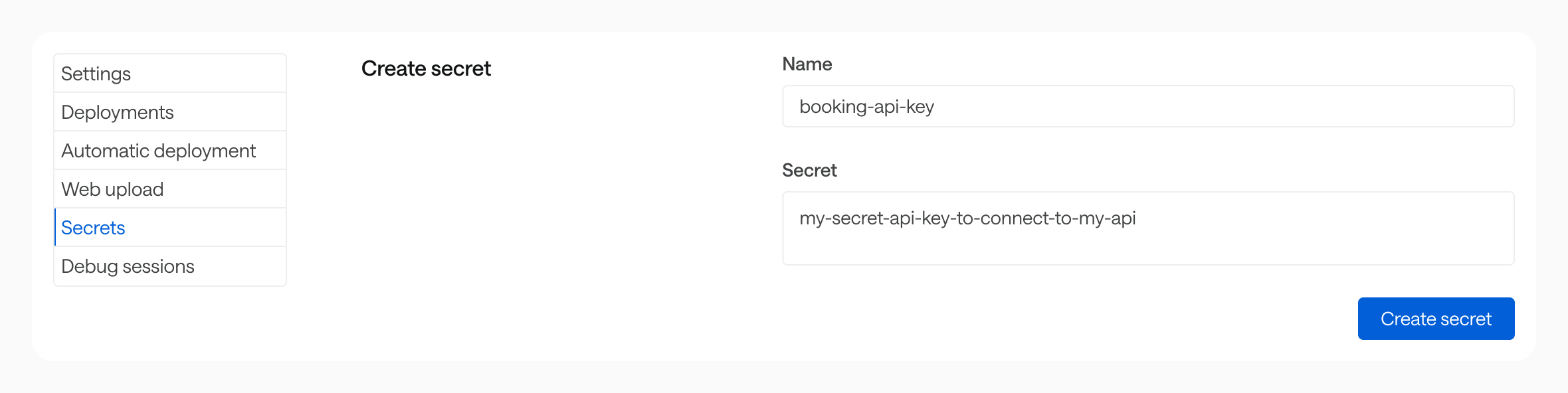
Secrets are scoped to a single MCP server. They can only be accessed by that server’s workflows.
Using a secret in a workflow #
Reference a secret with the $secrets.{name} expression wherever you would otherwise hard-code a sensitive value:
flows:
  - id: book-train-trip
    description: ...
    inputs: {}
    steps: []
    security: $secrets.booking-api-key
Storage and security #
Secret values are encrypted at rest (AES-256-GCM) and stored on an isolated infrastructure, separate from the main Bump.sh application. The Bump.sh application itself never has access to decrypted secret values.
At runtime, secrets are decrypted in memory only for the duration of a workflow execution. They are never written to logs, included in workflow outputs, or returned in API responses.