
Start your first MCP server
Having a running MCP server with Bump.sh in a matter of minutes. Create your account, upload your workflow document, and you’re good to go.
Create your Bump.sh account #
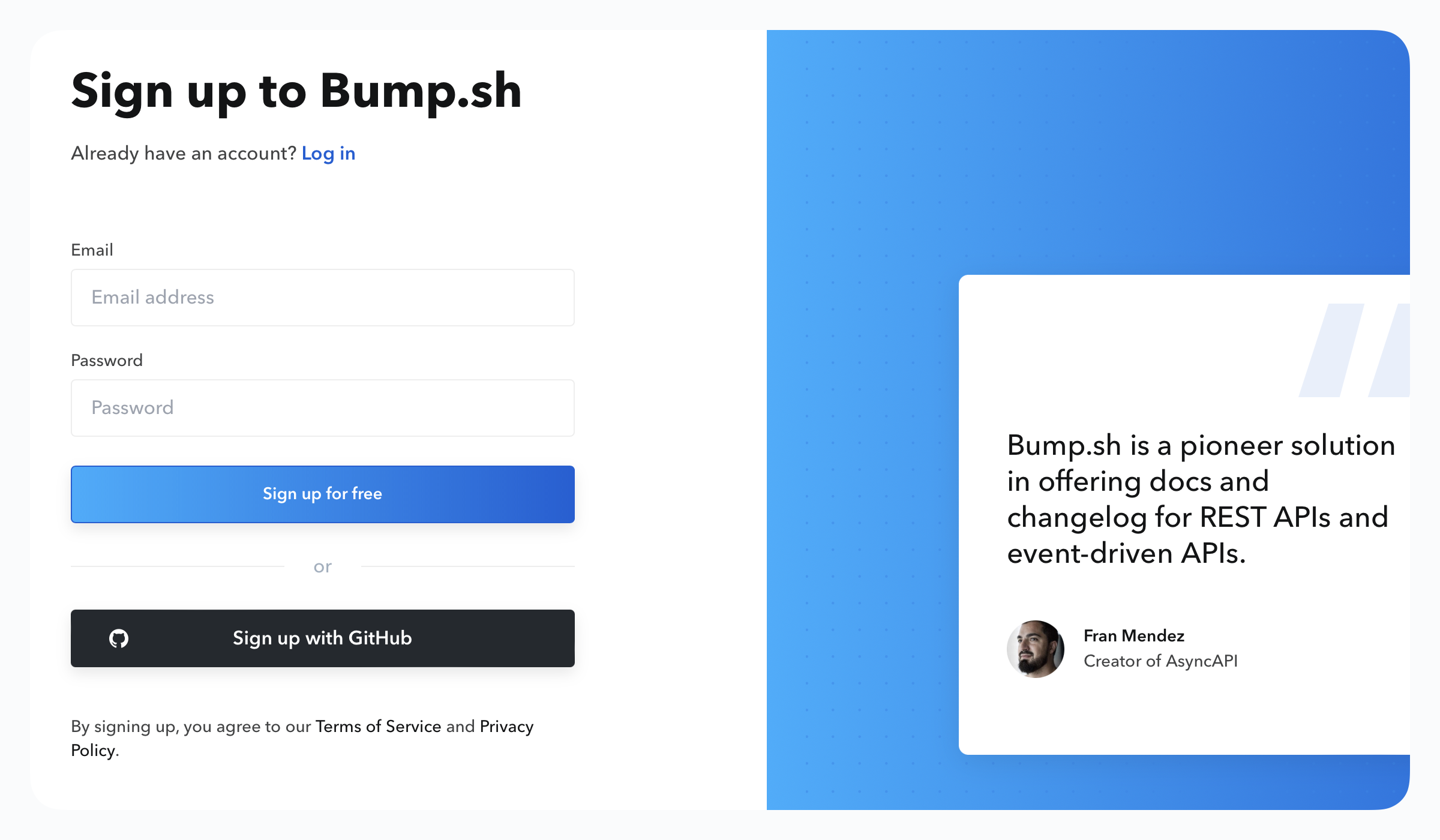
You can either create your account by using your email address or directly sign up using your GitHub account.
Create your first MCP server #
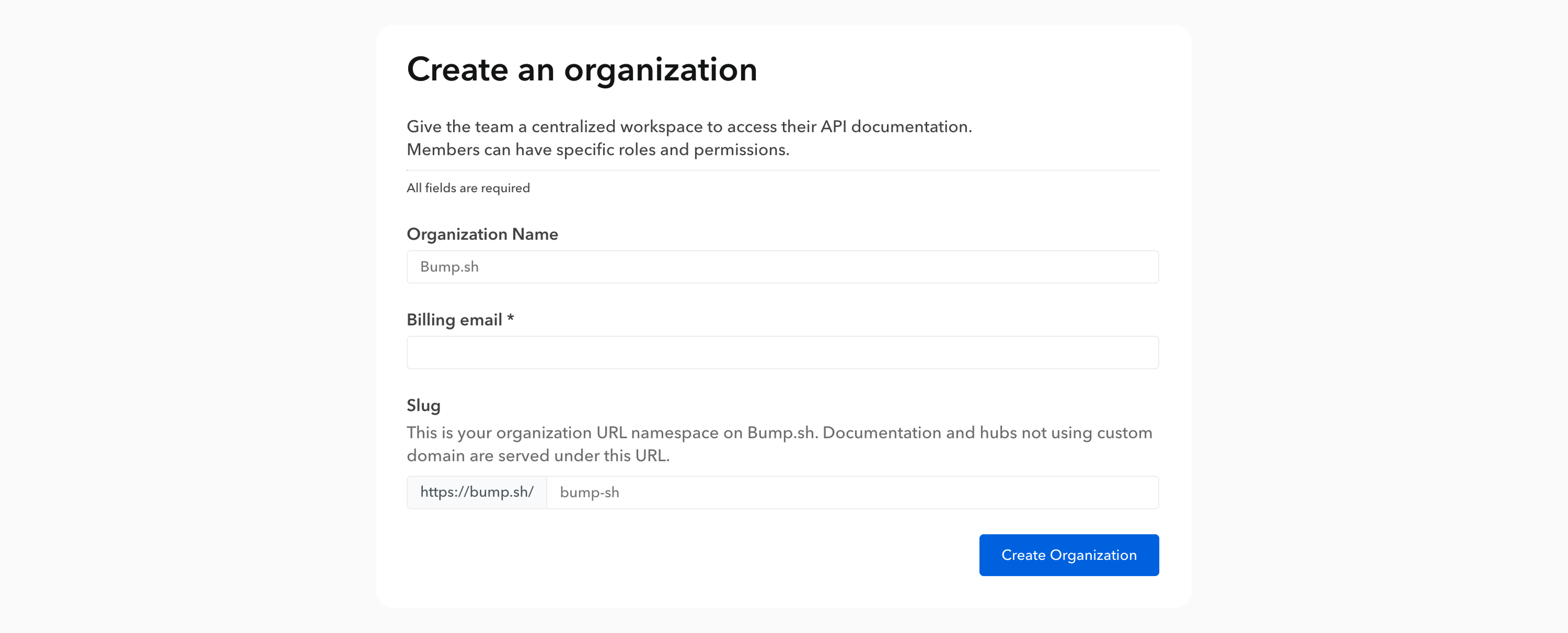
Step 1: Create your organization #
Organizations allow you to work alone or collaboratively on your MCP servers, API documentation, and hubs (collections of documentation).
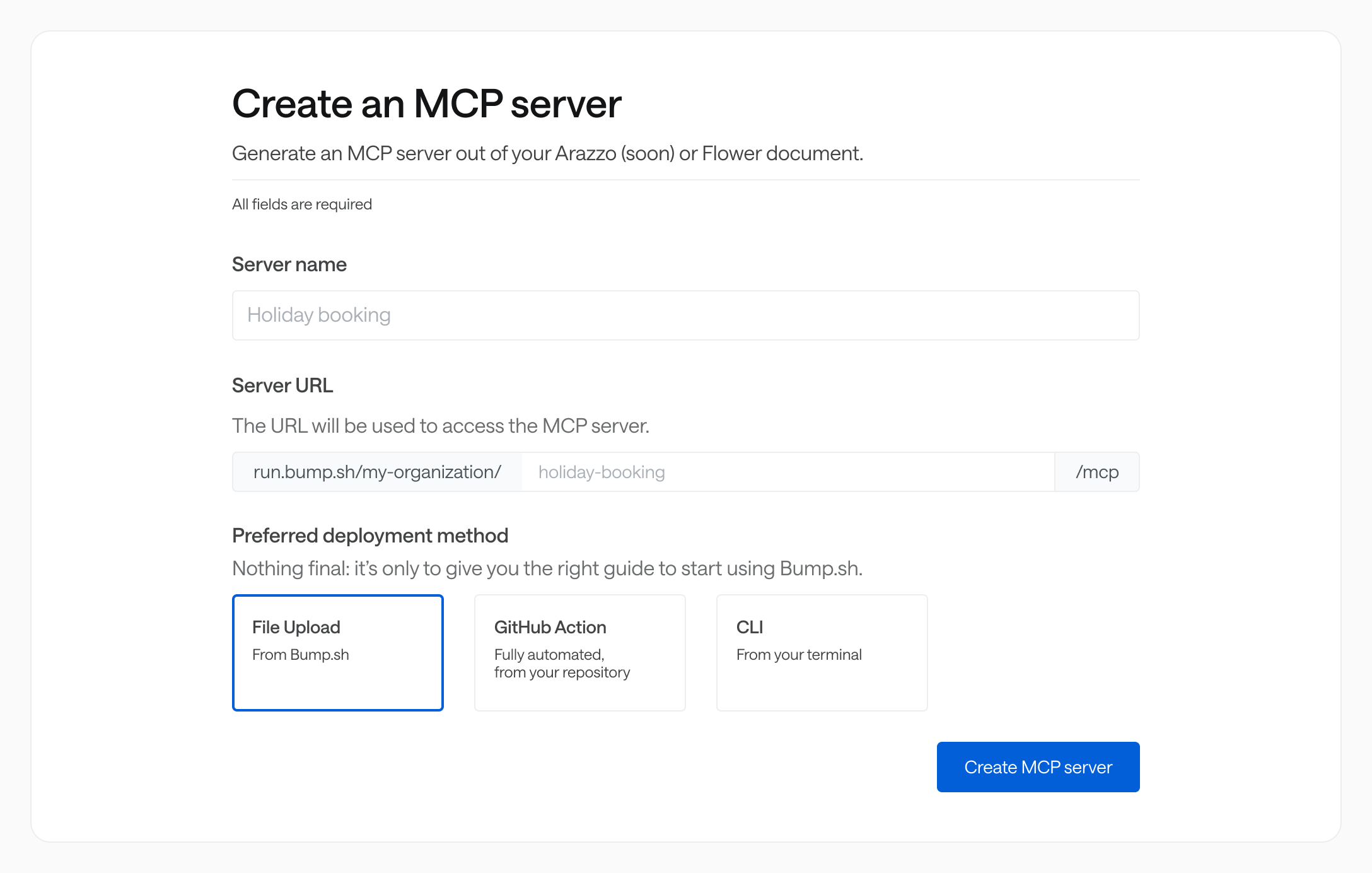
Step 2: Create your MCP server #
You are now ready to create your MCP server. Some information are required: the most important one is the server URL. It’s the URL you’ll use to add the MCP server to your AI tool.
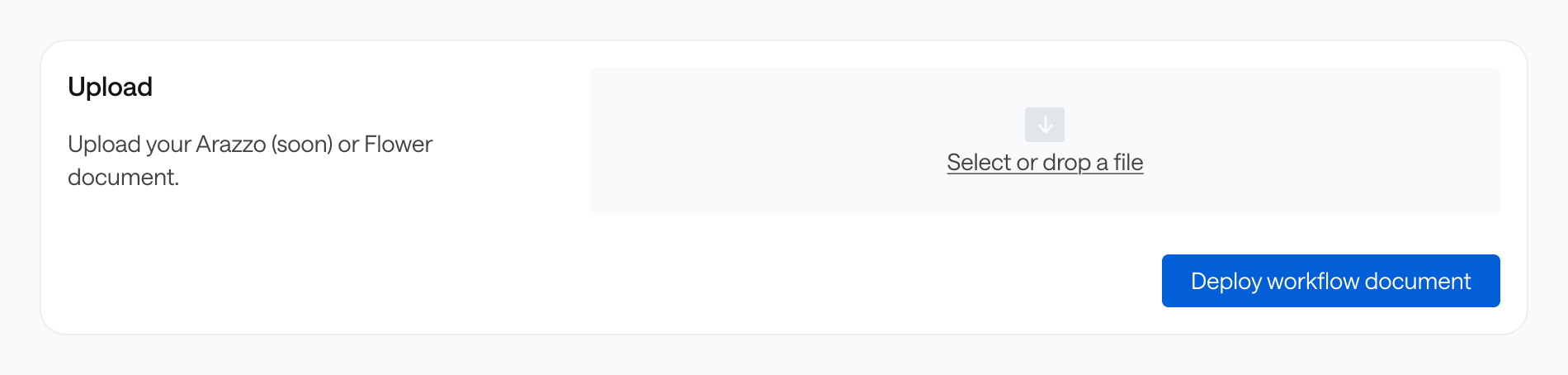
The last step is to upload your workflow definition. You can do it using our web upload service, but also with our multiple CI methods.
Step 3: Use your MCP server #
And just like that, your first MCP server is live! You can now add it to your favorite AI tool and start using it.