
Access management
MCP server visibility #
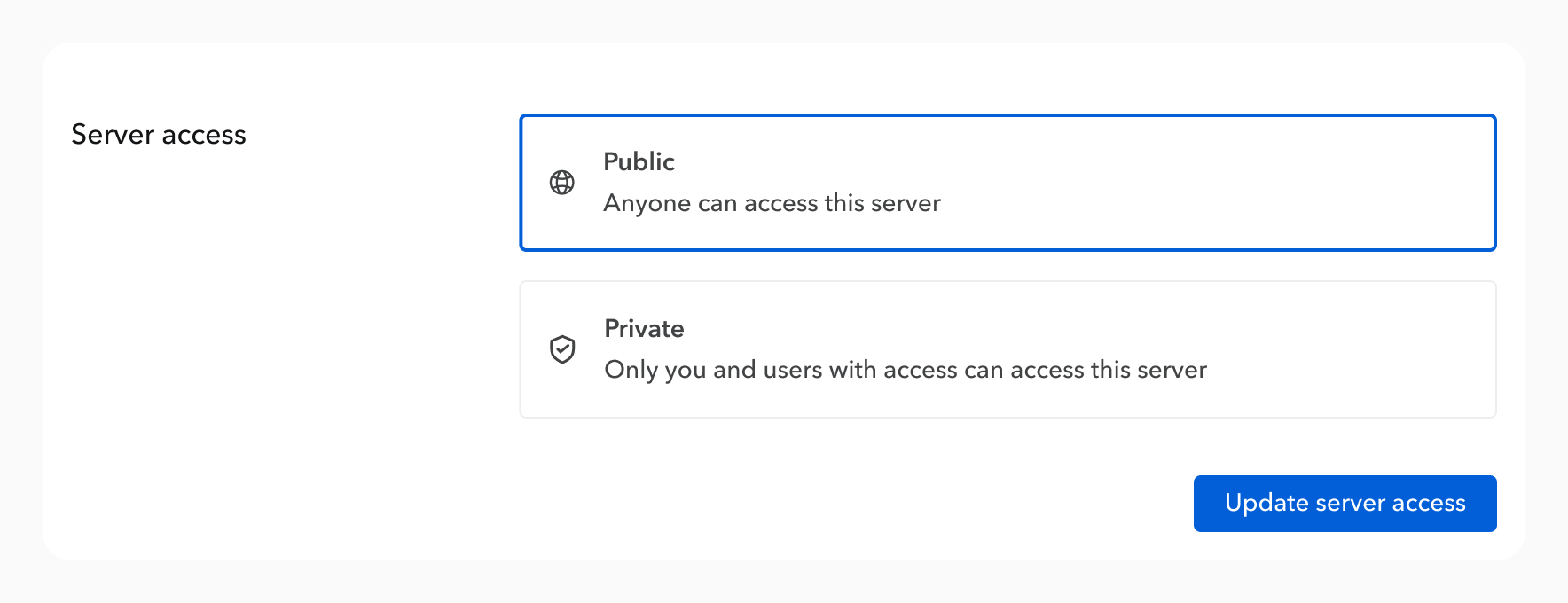
You can choose whether your MCP server is public or private:
- Public means anyone can access your MCP server, given they have the server URL,
- Private means users need to be authenticated with their Bump.sh account and be members of your organization to access your MCP server.
Server visibility is set during the MCP server creation, and can be changed at any time in your MCP server settings.
Authenticating with private MCP servers #
Users are required to authenticate before interacting with private MCP servers. This is the typical flow:
- The MCP server is added to a tool: Claude, ChatGPT, Cursor, … (see our tutorials),
- The tool reaches the MCP server and gets notified that the server is private,
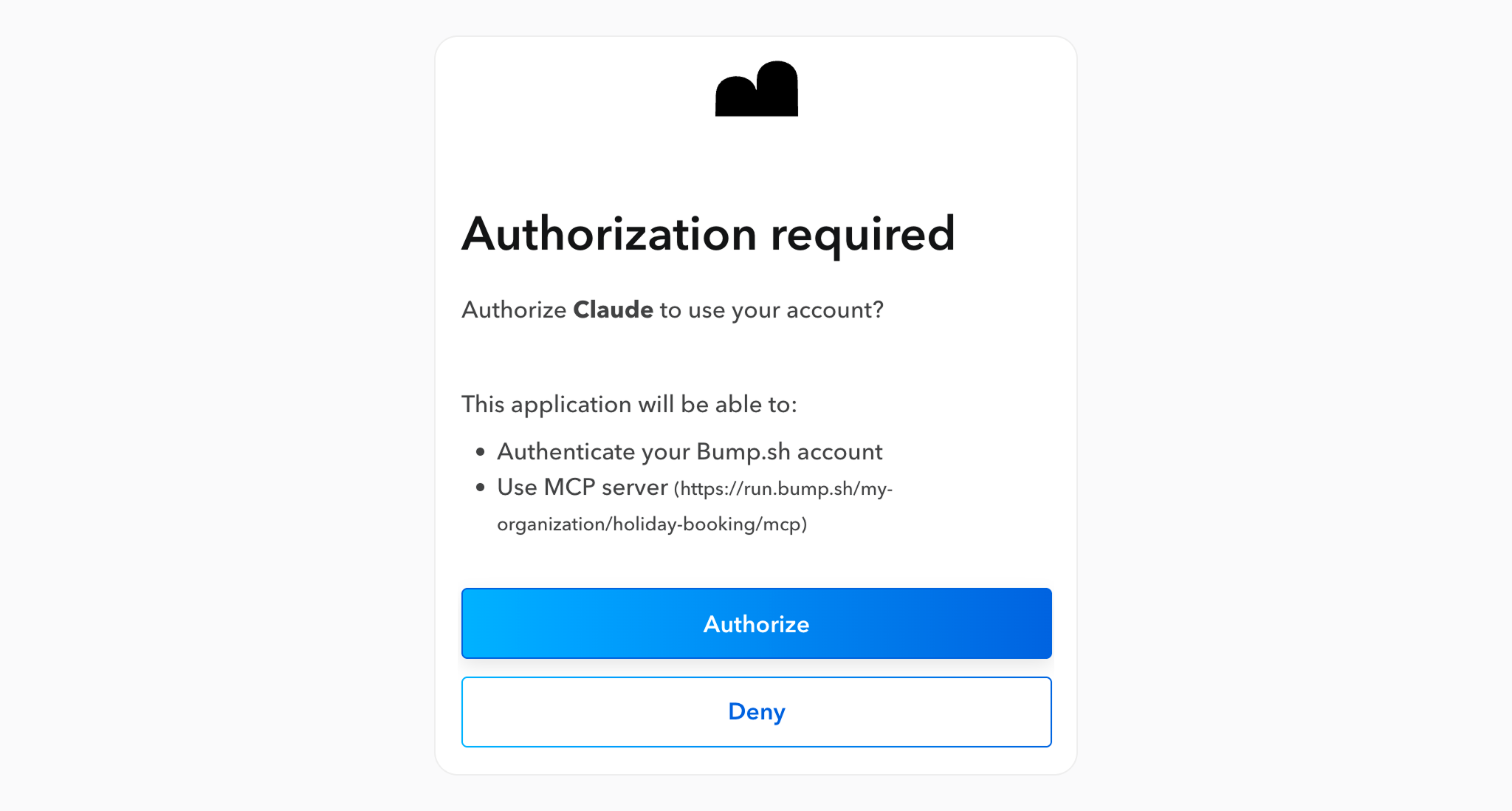
- A “connect” button appears next to the MCP server entry, or an authorization page automatically opens,
- If the user isn’t signed in to Bump.sh yet, he has to sign in,
- Then, if the user is an authorized member of the MCP server on Bump.sh, he gets an authorization page.
Once authorized, the tool gets access to workflows provided by the MCP server.
Authenticating with APIs #
While the visibility of the MCP server defines if a user has access to it, or not, your workflow APIs themselves can require authentication. Setting secrets in Bump.sh is the way to go.